
Guide
How to Check if a Store Has an Item in Stock Without Calling
Use the store's own stock checker, Google's nearby filter, or a quick message, then hold the item before you drive over.

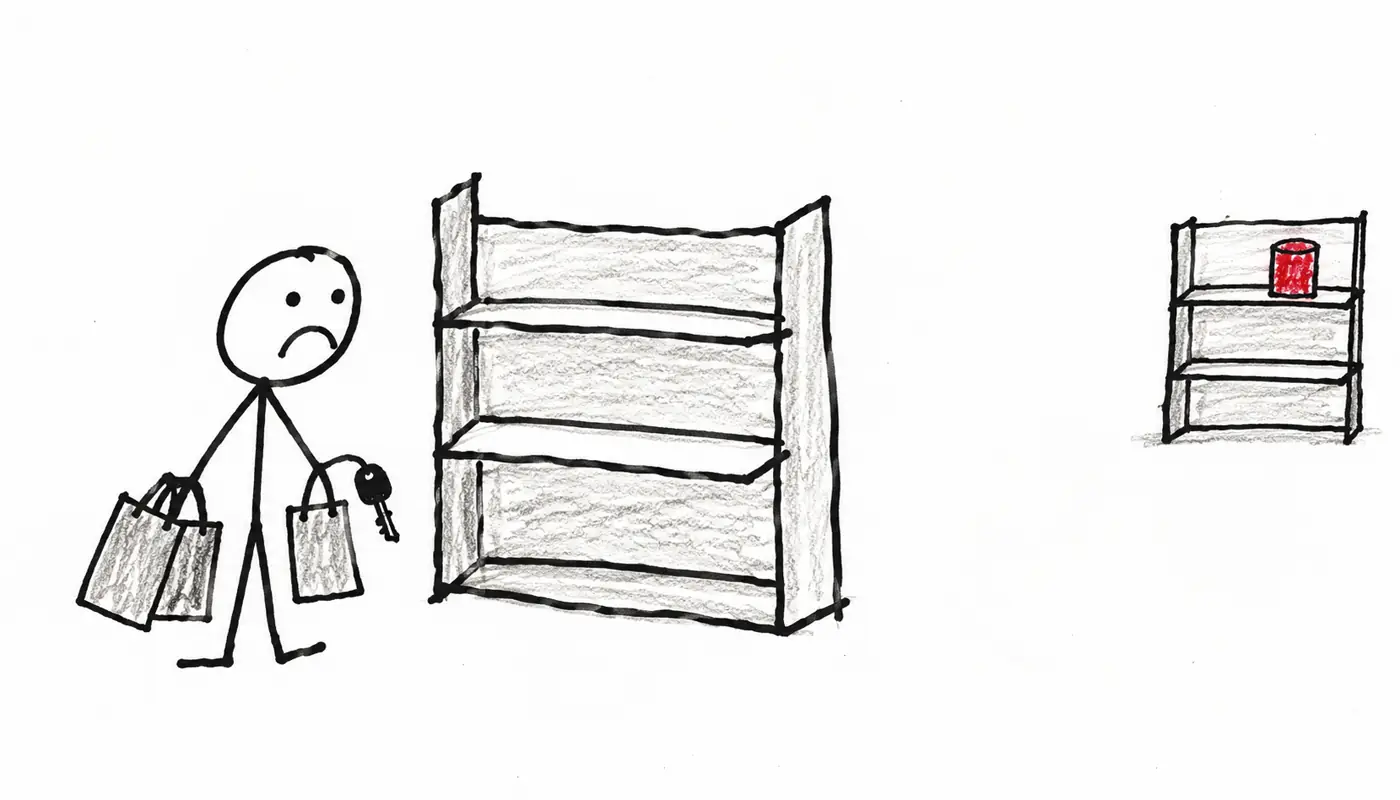
To check if a store has an item in stock, open the item on the store’s app or website and set your local store. To be sure it’s there, place a pickup order.
Fastest way:
- Open the item in the store’s app or website.
- Pick size and color, tap Change or Edit store, enter your ZIP.
- Want to be sure? Place a pickup order.
- Use the store’s app or website for big chains like Target or Home Depot
- Hold it with a pickup order before a special trip
- Scan nearby stores on Google if you don’t know who carries it
- Message the shop for small, independent stores
- Have someone ask for you when there’s no online option
1. Check if a store has an item in stock on its app or website
Most big chains show stock by store. Open the product page, pick every option (size, color, model), then set your store. Look for words like Check other stores, Store availability or Pickup today near the price.
Target
From Target’s help page:
- On the product page, select Edit store.
- Enter a ZIP code, or city and state.
- Select Find stores.
- See which nearby stores have it in stock.
Target says availability changes quickly and it can’t guarantee the info. Treat it as a strong hint, not a promise.
Home Depot
- Open the Home Depot app.
- Set your store.
- Search the item to see stock, plus the aisle and bay where it sits.
Bass Pro Shops
From Bass Pro’s help page:
- Find the product and select all options.
- Find Store Availability on the product page.
- Click Change Store and enter your ZIP code, or city and state.
You can’t check boats, trailers, ATVs, UTVs, firearms, rimfire ammunition or clearance items this way.
2. Stock counts can be stale: hold the item first
Counts update on a delay. Someone may have the last one in their cart, or it may be on the wrong shelf.
- Use buy online, pick up in store. The store pulls the item and sends a ready notice. That beats any stock count.
- Watch for “limited stock.” Only a few are left, and they may already be gone.
3. Scan nearby stores on Google
Search the item, open Shopping, and turn on the Nearby filter. Look for in-stock labels like “In store” or “Pick up today” from participating stores (ones that send their stock to Google). Small shops often don’t, so no result doesn’t mean nobody has it.
4. Message the shop
Boutiques, bike shops and hobby stores rarely have a live inventory feed (a stock list that updates online). Try these instead:
- Check their website or Instagram for “just in” posts.
- Send a direct message on Instagram, Facebook Messenger or the site’s chat box. See can you text a business for more channels.
- Email them. Slower, but fine for special orders.
Copy and send this message:
Hi! Do you have the [brand + item] in [size and color] in stock today?
If yes, could you hold one for me until [time]?
Thanks, [name]
5. When there’s no online option
Some shops have no inventory page and don’t answer messages. Reqly asks the shop for you and texts you back the live answer. It can ask several shops at once. Here’s what that looks like:
Do you have the blue rain jacket in medium today?
Later
Yes, two in medium. We can hold one at the front counter until 6 pm under your name.
via Reqly agent
To start, share a place to Reqly from Apple Maps, Google Maps or Yelp, or type your question.
Quick checklist before you drive over
- Picked the right store, not your default one
- Picked every option (size, color, model)
- Placed a pickup order or got a “set aside” reply
- Checked today’s store hours
See Reqly in 30 seconds
Frequently asked questions
How accurate are online store inventory checkers?
They are usually close but not perfect. Counts update on a delay and an item can be misplaced or sold minutes before you arrive, so retailers themselves say they can't guarantee accuracy.
What is the safest way to make sure an item is still there when I arrive?
Place a buy online, pick up in store order. The store pulls the item for you and tells you when it's ready, so you aren't relying on a stock count.
Can I see Home Depot inventory and aisle location on my phone?
Yes. The Home Depot app shows store inventory for your selected store and points you to the aisle and bay where the item sits.
Can Reqly reserve or buy the item for me?
No. Reqly is best for quick questions like whether an item is in stock or can be held. To pay for or reserve something, you finish that with the store.
Does Google show if an item is in stock nearby?
For many products, yes. Search the item, open the Shopping results, and look for a Nearby filter or labels like "In store" or "Pick up today" to see participating stores that list it.