
Guide
Can You Text a Business? What Happens With Landlines
Why your text to a shop might never arrive, how to tell which numbers take texts, and what to use instead.

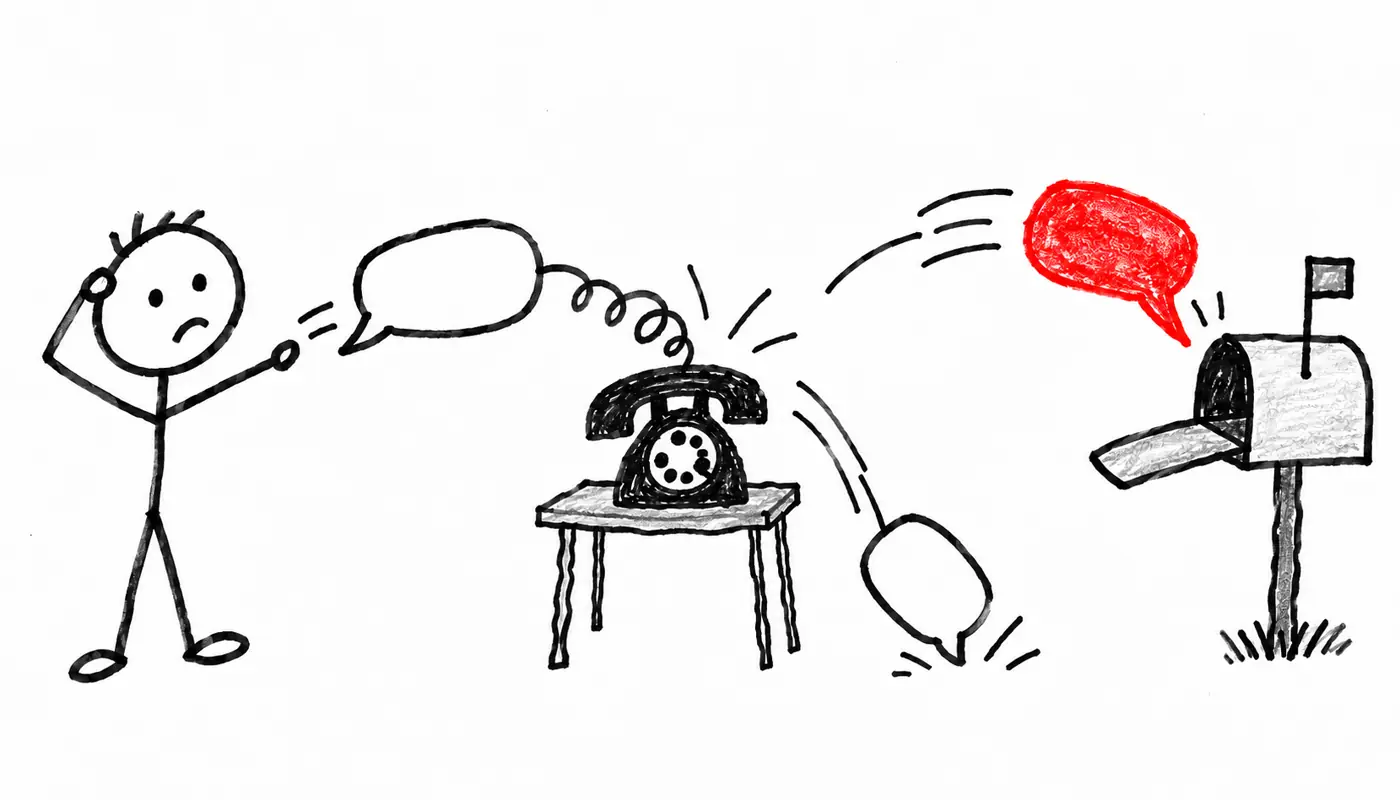
Can you text a business? Usually not. Most business landlines can’t get texts. Look for “text us” next to the number.
Fastest way:
- Look for text us or SMS next to the number.
- No text option? Tap Message in Apple Maps or Facebook.
- No reply? It may not have arrived. Try another channel.
- Emergency? Call 911. Don’t text a business.
Why your text got no reply
Many business numbers are voice-only landlines. A text sent to one usually isn’t stored anywhere and can’t be retrieved later (Weave, which sells business texting). Your phone may still show it as sent, so nobody ever saw it.
Your options, fastest first:
- Text a number that says it takes texts
- Use Apple Messages for Business on iPhone
- Message them on Facebook, Instagram or WhatsApp
- Try website chat or email
- Ask Reqly when the number is voice only
1. Check if you can text a business number
Look for “text us,” “SMS” or a chat bubble icon next to the number in these places:
- The business’s website: header, footer and contact page.
- Their Google or Apple Maps listing: some show a separate text number.
- Receipts, reminders and signs: if they’ve texted you before, reply to that thread.
See none of these? Treat the number as voice only.
2. On iPhone, use Apple Messages for Business
Some businesses, mostly larger brands, use Apple Messages for Business. It’s free for customers (Zendesk).
- Search for the business in Apple Maps, Safari, Spotlight or Siri.
- Tap Message on the listing (you may need to tap More first).
- Type your question. It opens in your regular Messages app.
No Message button means the business doesn’t use it. Google’s old chat button is gone too: Google shut down Business Messages in July 2024.
3. Message them on Facebook, Instagram or WhatsApp
Many small businesses answer social messages faster than email. Open their page or profile and tap Message.
Some list a WhatsApp number, often different from their landline. If they haven’t posted in a year, nobody’s probably watching.
4. Try website chat or email
Website chat may be a person, a bot or an after-hours form. It’s fine for hours or prices.
Email is slow but leaves a record, which helps for quotes and custom orders.
A first message you can copy
For a text or social message:
Hi, this is [your name].
Do you have any [service] openings [day]?
Any time after [time] works for me.
Texting is easiest for me. Thanks!
For an email:
Subject: [Order or question] for [day]
Hi, I'd like to [order or ask about what you need].
Can you have it ready by [day and date]?
Please reply by email with the price. Thanks!
Put the question in the first line, since many inboxes show only a preview. Don’t send card numbers, passwords or medical details by text.
5. Voice-only number? Ask Reqly
Reqly asks the place for you and texts you back the live answer. Here’s what that looks like:
Can you fix a broken boot heel by Saturday?
Later
Yes. Heel repairs take two days, so drop them off by Thursday for Saturday pickup.
via Reqly agent
To start, share a place to Reqly from Apple Maps, Google Maps or Yelp, or type your question. It isn’t for emergencies.
For more ways to skip the call, see how deaf people contact businesses and apps that contact businesses for you.
See Reqly in 30 seconds
Frequently asked questions
Will I get an error if I text a landline?
Often you won't. Your phone may show the message as sent even though the business never receives it, so silence doesn't mean they're ignoring you.
How do I know if a business number accepts texts?
Look for words like "text us" or "SMS" next to the number on their website, Google listing, receipts or signs. If you can't find that, assume the number is voice only.
Can I message a business from my iPhone without texting?
Some businesses use Apple Messages for Business. Look them up in Apple Maps, Safari or Search and tap the Message button if one appears.
What happened to the chat button on Google Maps?
Google shut down Google Business Messages in July 2024, so the old chat button on business listings is gone.
Is it OK to text a business for something urgent?
Texts can sit unread for hours, so don't rely on them for anything time-sensitive. For an emergency, call 911.